










Your Gateway to Premium Mobile Gaming at CrownCoins: Instant Access Without the Wait
CrownCoins delivers world-class slots, table games, and live casino action directly to your mobile device. While an official native app for iOS and Android is coming soon, you don't need to wait. The fully optimised web-based gaming platform at crown-coins.store works seamlessly on smartphones and tablets right now, offering every feature, promotion, and payment method of the desktop experience—compressed into a lightning-fast, app-like interface that installs on your home screen in seconds. This guide shows you exactly how to unlock that premium mobile experience today.
Understanding the Web App: An App That Isn't an App (But Feels Like One)
A "web app" is a clever hybrid. Instead of downloading from the App Store or Google Play, you visit crown-coins.store in your mobile browser, then save a shortcut directly to your home screen. When you tap that icon, it launches in full-screen mode, hiding the browser toolbar and menu bars. The result is indistinguishable from a native app—you get the same responsiveness, the same gaming quality, and the same sense of a dedicated application, all without the need for store approval delays or version updates eating into your phone's storage. CrownCoins' web app is engineered for touch, built for speed, and optimised for every screen size. It's the modern way premium gaming platforms deliver instant, frictionless access.
Five Reasons to Create Your CrownCoins Home Screen Shortcut Today
- One-Tap Launch. Tap the icon on your home screen and you're instantly in the action—no browser, no typing URLs, no login delays. Your session persists exactly where you left it.
- Full App-Like Behaviour. The shortcut runs full-screen without the browser chrome. Notifications, gesture support, and smooth animations make it feel native—because the engineering is that good.
- Zero Storage Overhead. Unlike native apps, the web version uses minimal device space and never requires manual updates. CrownCoins pushes improvements silently in the background.
- Every Feature You Need. Deposit, withdraw, claim bonuses, spin slots, play live roulette, check your game history, and access customer support—all available in the web app with feature parity to desktop.
- Future-Proof Your Play. When the official app launches, your account, balance, and gaming history transition instantly. Installing the shortcut now means zero disruption and zero data loss down the line.
Mobile-Exclusive Promotions at CrownCoins
Your mobile device unlocks special promotions designed specifically for on-the-go players. These are time-limited offers that reward regular mobile engagement:
- Mobile Welcome Bonus. New players who install the shortcut and make their first deposit via mobile receive a 100% match bonus up to £200, with a minimum deposit of £10 and 35x wagering requirement on eligible slots.
- Weekly Free Spins Drop. Every Tuesday, active mobile players receive 20 free spins on a rotating featured slot. No deposit needed in that week; simply log in and claim via the "Promotions" section. Winnings must be wagered once before withdrawal.
- Mobile Leaderboard Rush. Compete weekly for a share of £500 in cashback. The top 50 mobile players by real-money wagering earn tiered rewards—1st place gets £100 cashback, down to £1 for 50th place. Leaderboard resets every Monday.
How to Install the CrownCoins Web App on Your Mobile Device
For iPhone and iPad (Using Safari)
- Open Safari on your iOS device.
- Navigate to crown-coins.store in the address bar and press Enter.
- Wait for the page to fully load, then tap the Share button (the square with an arrow pointing upward, usually at the bottom or top of the screen depending on your iOS version).
- Scroll down in the menu that appears and select "Add to Home Screen."
- A popup will appear showing a preview of the app icon and name. Tap "Add" to confirm.
- The CrownCoins icon now appears on your home screen. Tap it anytime to launch the full-screen gaming platform.
For Android Devices (Using Chrome)
- Open Chrome on your Android phone or tablet.
- Type crown-coins.store in the address bar and press Enter.
- Wait for the CrownCoins homepage to load completely.
- Tap the three-dot menu icon (usually at the top-right of Chrome's toolbar).
- Select "Install app" or "Add to Home screen." (The exact wording depends on your Chrome version.)
- A confirmation dialog appears. Tap "Install" to proceed.
- Chrome creates an app-style icon on your home screen. Tap it to open CrownCoins in full-screen gaming mode.
Mobile Gaming: Phone Versus Tablet—Choosing Your Ideal Setup
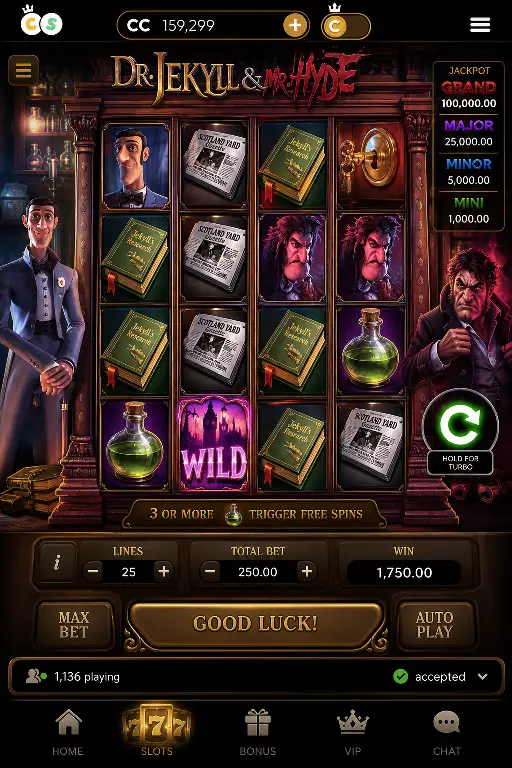
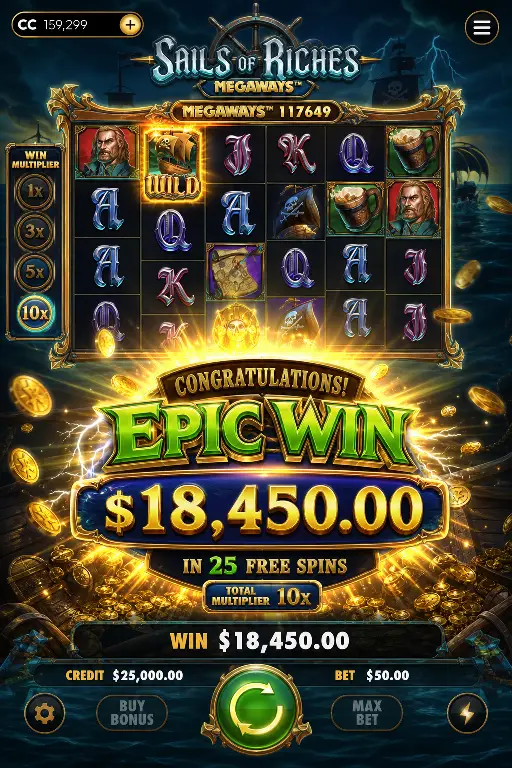
A smartphone offers supreme convenience. Whether you're commuting, waiting between tasks, or relaxing at home, your CrownCoins shortcut is always a single tap away. The interface is touch-optimised for smaller screens, buttons and controls scale perfectly to your palm, and game performance is fluid even on older 4G connections. Slot reels spin with zero lag, and the whole experience prioritises speed and responsiveness. For slots, quick-play table games, and building your bankroll on the move, a phone is your perfect companion.
A tablet transforms the experience into something immersive. The larger screen reveals live casino tables in stunning detail—you can track the dealer, read side bets clearly, and interact with other players in multi-player games without squinting. Complex table games like blackjack and baccarat are easier to read and navigate. Video slots showcase their graphics and animations in full glory. If you have a dedicated gaming hour and want maximum visual pleasure, a tablet running the CrownCoins web app is unbeatable. Both devices share the same shortcut installation process and deliver identical game libraries and payment features.
Why the CrownCoins Mobile Web App Is Your Smart Play Today
Waiting for an official app in the App Store or Google Play means missing weeks of mobile gaming, bonuses, and fun. The CrownCoins web app installed on your home screen is not a temporary workaround—it's a fully capable, professionally engineered gaming platform that delivers every feature, security standard, and game you expect. It's fast, it's safe, it requires no storage space, and it never breaks because you're always playing the latest version automatically. When you install the shortcut now, you're choosing convenience, speed, and future-proof access. Your gaming experience is ready today, not someday. Tap, install, and play.